Style
Style sits with the project tools in the top right. It opens your design tokens: every color, text style and spacing value the app shares. Elements reference tokens by name, so changing a token once updates every screen. The same tokens reach your code as theme.ts (see Project layout) and are consumed by @mapples/style.
Theme
The Theme tab lists your colors in groups, such as accent, background, text and neutral. Each color is a token with a key, for example theme.accent.main, and you use the key anywhere a color is expected.
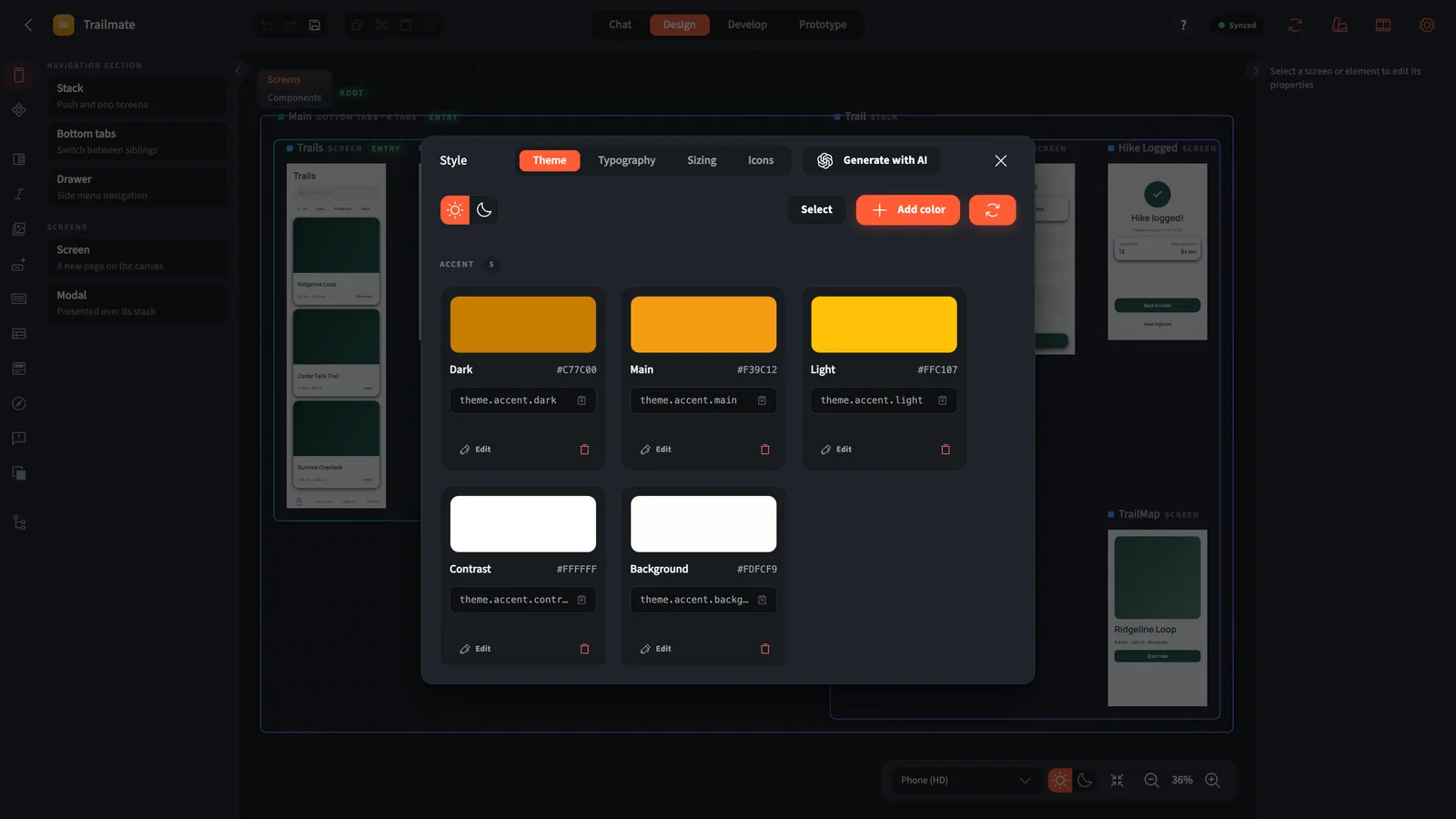
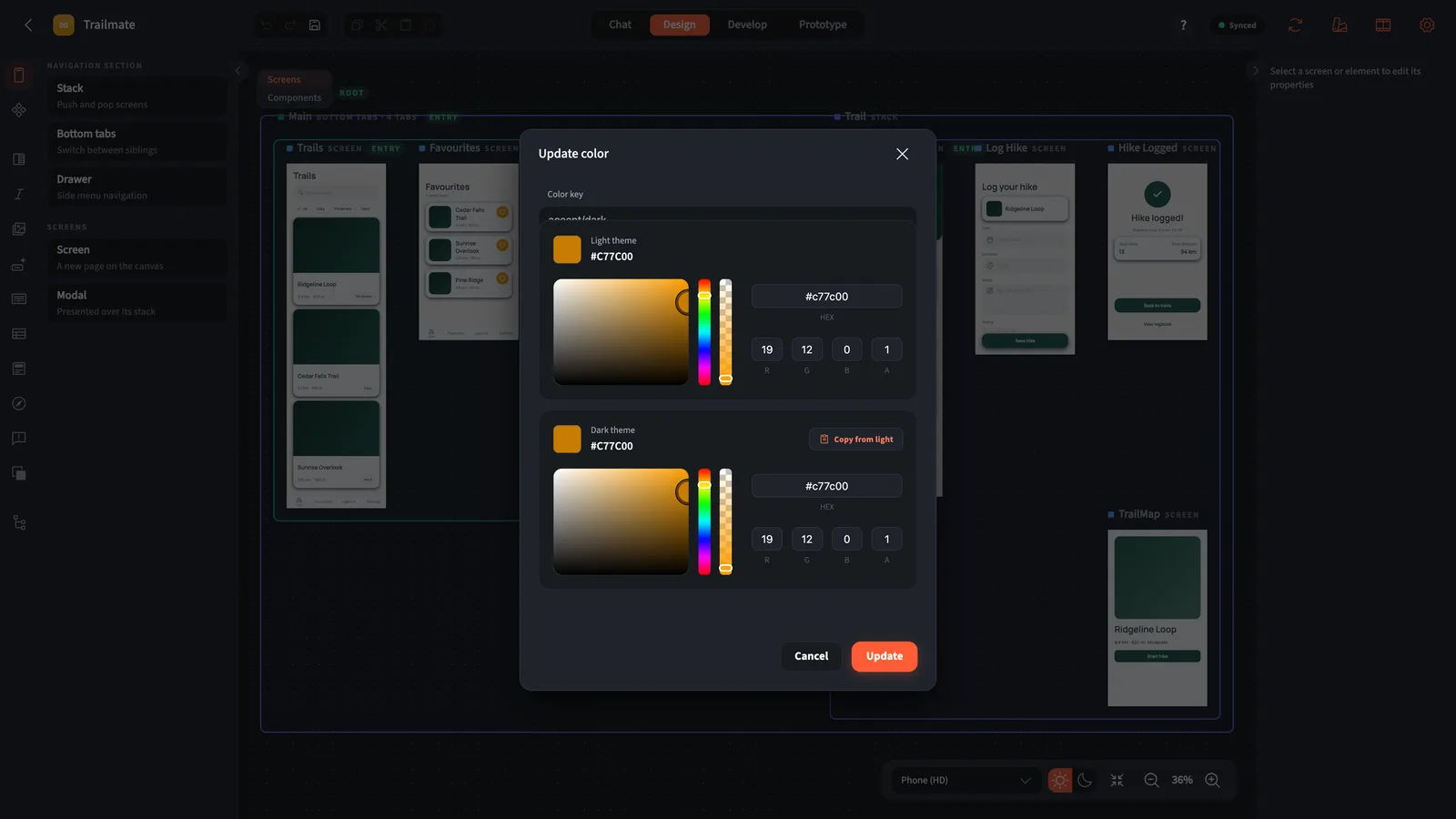
Every color has a light and a dark value. Flip the toggle to see the dark theme. Press Edit on a color to set both side by side, or copy the light value across.
Press Generate with AI to let the assistant propose a whole palette from the project description.
Typography
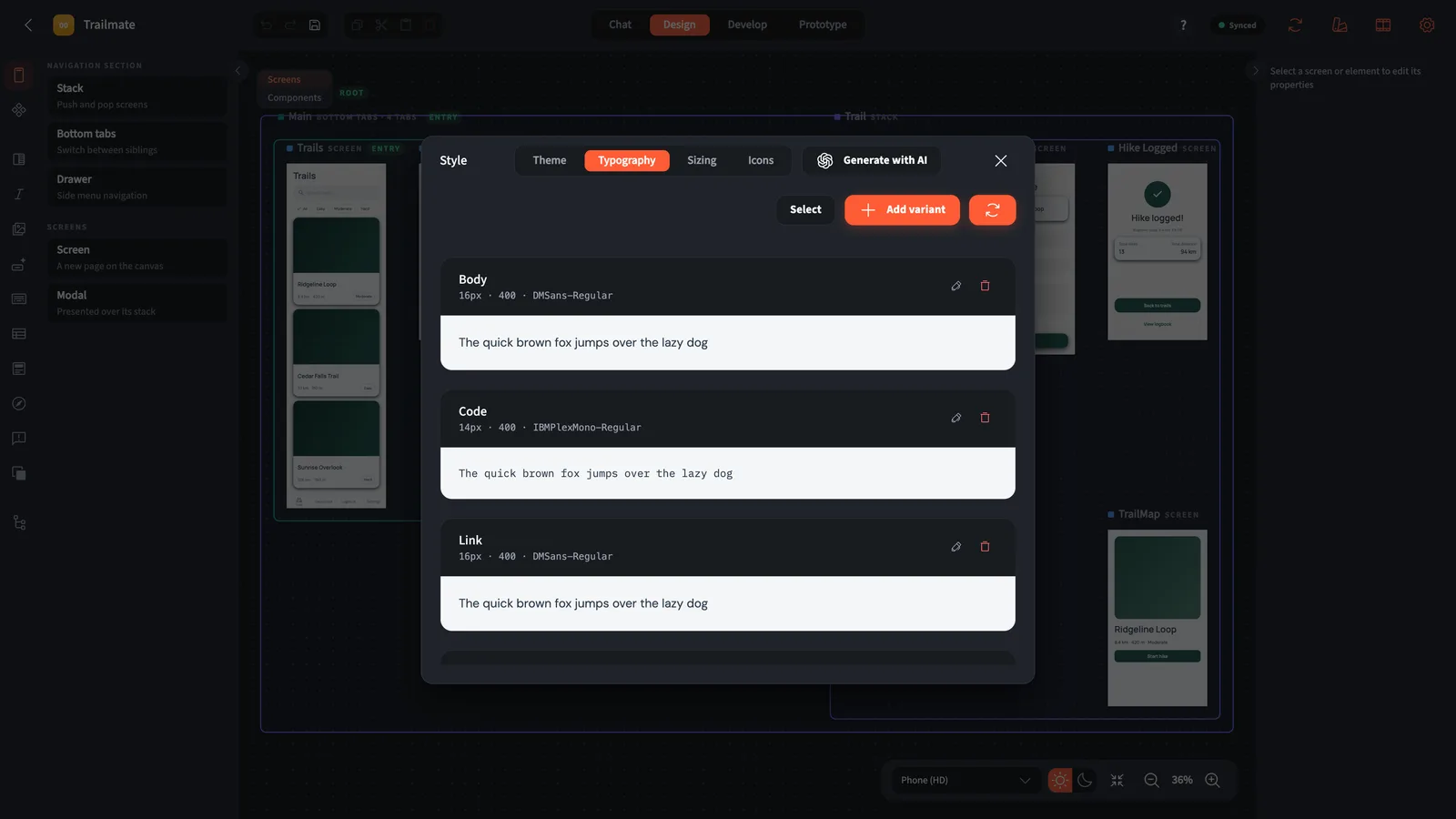
Typography holds your text variants: Body, Headline, Caption, Button and more. Each one sets a font family, a size and a weight, with a live sample. Add a variant for anything new, and text elements pick it from the inspector.
Fonts come from a bundled set of open-licence families (Inter, Manrope, DM Sans, Plus Jakarta Sans, Poppins, Nunito, Space Grotesk, Sora, Outfit, Playfair Display, Fraunces, IBM Plex Mono and more), or from font files you upload as assets.
Sizing
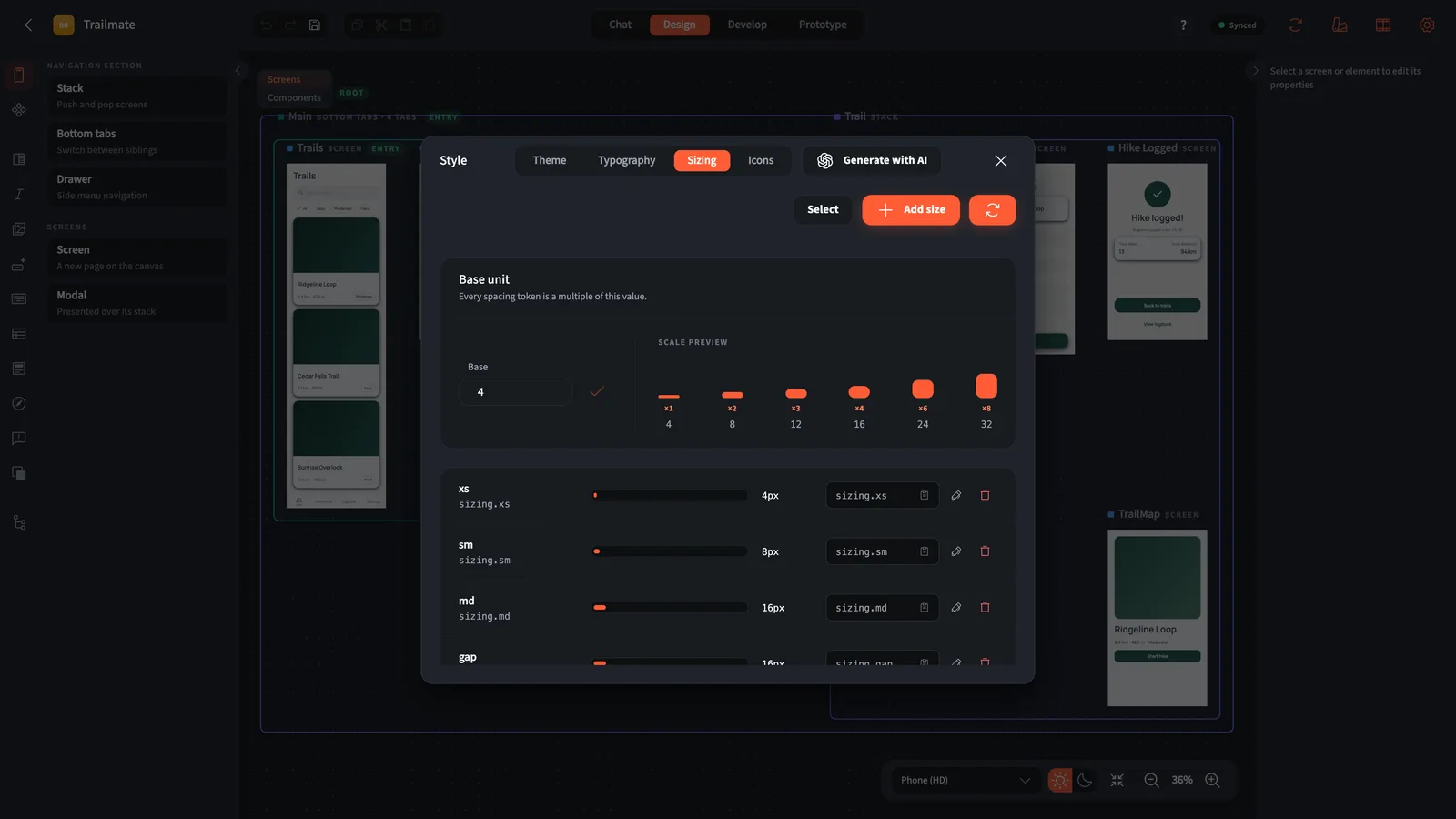
Sizing is the spacing scale: one base unit (four, by default) and named tokens that are multiples of it, such as xs, sm, md, lg and screenPadding. Padding, gaps and sizes pick from this scale, so the whole app stays consistent. In code you can also write *4 for four times the base unit.
Icons
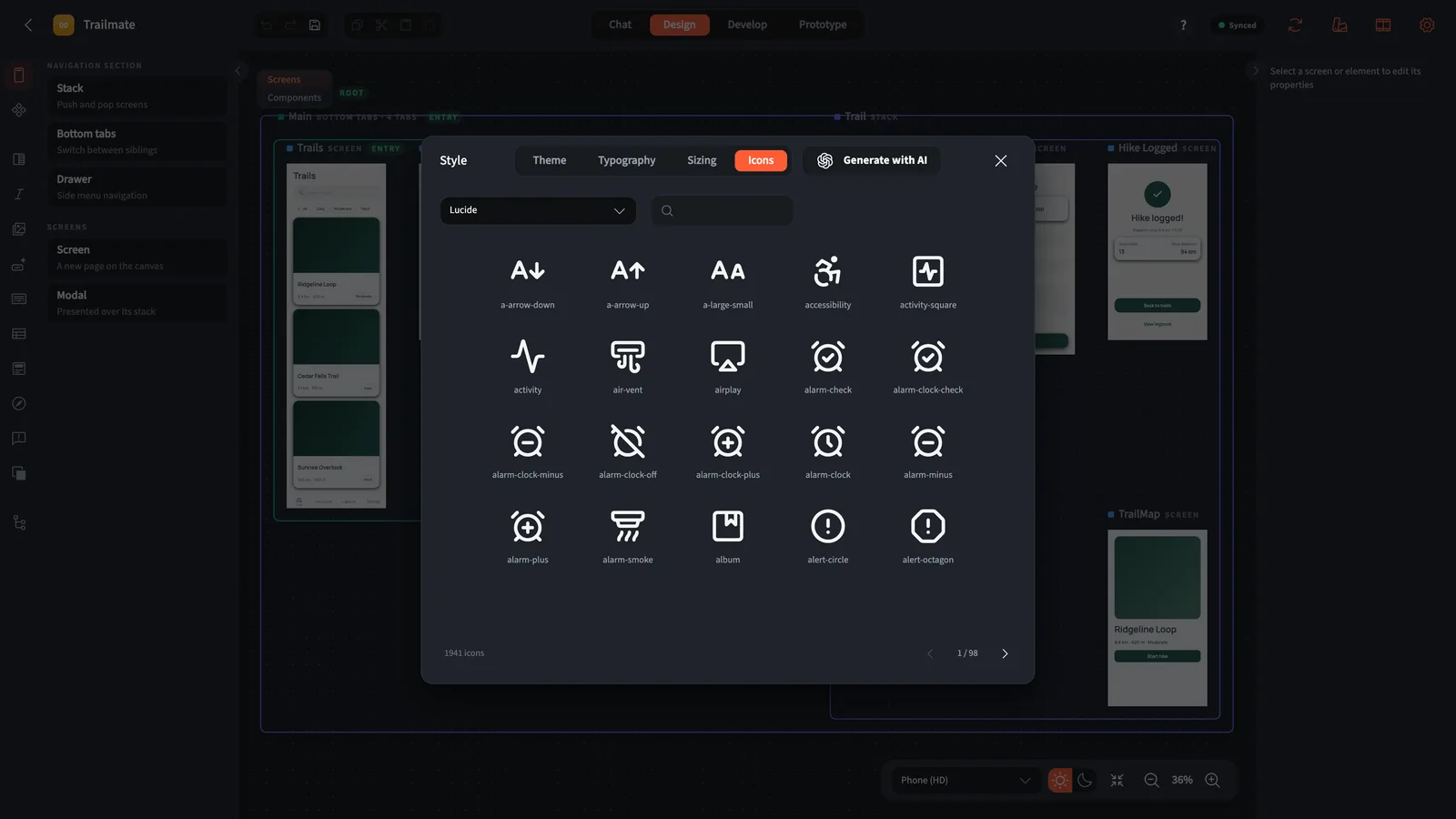
Icons sets the icon family for the project: Lucide, Material, Font Awesome, Ionicons and other sets. Search by name; the icons on your screens, tab bars and drawers draw from that family.
Preview in both themes
Down at the canvas, flip the preview to dark mode and check every screen in both themes.
Changing tokens from outside Creator
- The
mapplesCLI syncs the tokens astheme.tsin your app; editing that file and runningnpx mapples syncpushes the change back. - The MCP connector exposes
get_project_style,update_theme,update_typographyandupdate_sizing, so Claude can read and patch the tokens.